
Everyday Charging
Find the right charging setup for phones, tablets, laptops and travel. Clear, practical information to help you choose confidently.
Everyday Charging at a Glance
Choose based on your actual devices, not marketing labels.
Identify USB-C, Lightning or other ports before buying.
Match the charger’s output rating to your device’s requirements.
Balance portability, cable convenience and capacity.
Match the Charger to Your Devices
A connector that fits does not guarantee fast charging.
Check the device’s supported charging protocols, including USB Power Delivery where applicable. Many laptops require more output than a typical compact phone charger can provide.
- Know the connector and the required power range.
- Review the charger output for each individual port.
- Check what happens when multiple ports operate simultaneously.

Understand Capacity and Output
Milliamps, watts and watt-hours describe different things.
Battery capacity in milliamp-hours depends on the nominal voltage.
Available output power affects which devices can charge.
Watt-hours help compare energy across different battery voltages.
Built-in Cables and Wireless Charging
Convenience matters, but compatibility still comes first.
Built-in connectors reduce the number of cables you need to carry. Wireless charging requires a compatible device and aligned coils; physical cases and accessories can affect performance.
- Look for supported connector standards.
- Confirm wireless charging compatibility and actual available output.
- Avoid straining built-in cables or using damaged cords.
Travel and Safety
Be ready for workdays and trips without compromising safety.
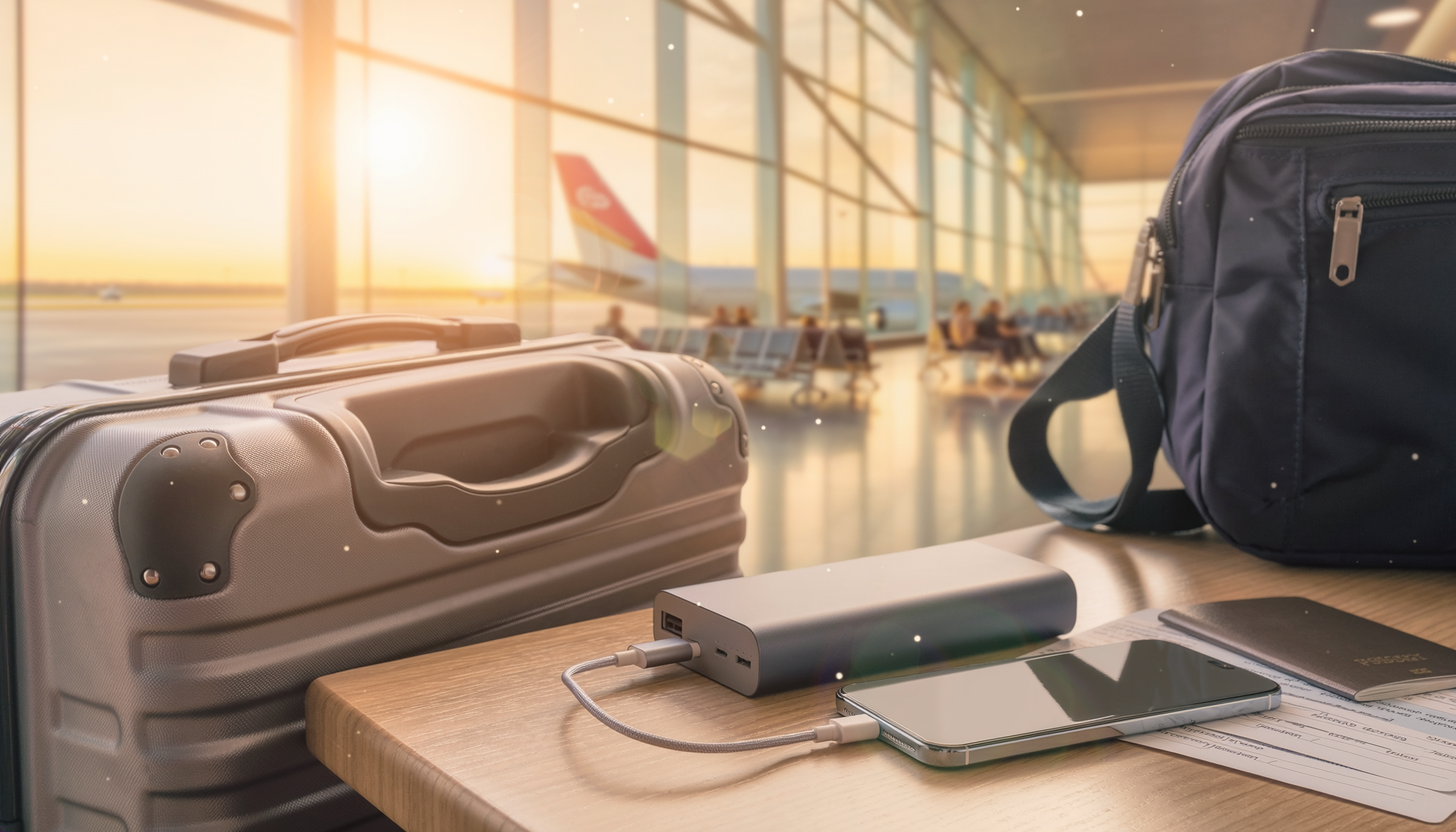
- Check current airline rules for carrying lithium battery power banks.
- Keep packs away from moisture, excessive heat and damaged cables.
- Follow manufacturer guidance for wall-outlet charging and storage.
Find a Setup That Fits
Think about how you use power during a normal day.
Compact power bank and familiar cables.
Laptop-compatible charging output and multiple ports.
Convenience, size and compliance with transport rules.
Questions, answered.
Will a USB-C charger work with every laptop?
No. The laptop must support charging through that port and the charger must meet its required power and protocol.
Can a power bank charge multiple devices?
Some can, but output per port may be reduced when multiple devices connect. Check model specifications.
Keep learning.


Solar Compatibility
Understand panel connections, charging limits and safer solar pairing.
READ GUIDE ↗
We’re here to help.
Need to check compatibility, device loads or charging options? Our team can help you find the next details to verify.